Finding the best free AI video generators used to mean settling for watermarked, grainy, three-second clips that looked like a bad fever dream.
Not anymore.
The landscape has shifted dramatically, and open-source models are now competing directly with expensive subscription platforms. You can now produce high-definition, cinematic clips without spending a single penny, provided you know where to look.
The Rise of Open-Source Video Models
The biggest shift in generative media is the democratization of open-source weights. Instead of relying entirely on closed web platforms, developers are releasing high-quality models directly to the public. This shift has made local models some of the best free AI video generators available today, especially for creators who want total creative control.
Wan 2.1 has quickly become the darling of the open-source community. Developed by a research team at Tsinghua University, this model matches the visual quality of major commercial tools. It excels at maintaining character consistency and handling complex prompt instructions. You can download the open-weights model directly from Hugging Face to run it locally on your own machine.
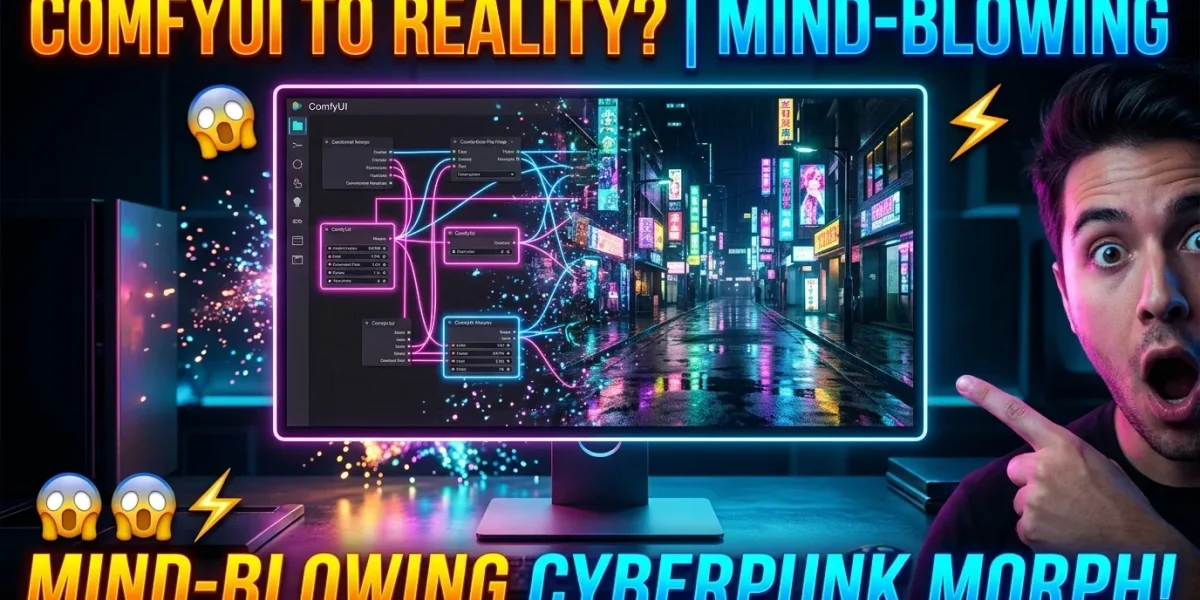
When I first ran Wan 2.1 locally on my machine with an RTX 4070, the first render crashed after 14 seconds because I forgot to change the precision to FP8. Once I made that tweak in ComfyUI, the generation finished in less than a minute, producing a stunningly clear shot of a neon-lit street. It was a stark reminder that while local tools are free, they require some technical patience.
To build a truly custom pipeline, you can learn to Master Diffusion Transformers to achieve professional results. These models use a specific architecture that handles video generation far better than older U-Net designs.
How Diffusion Transformers Power Modern Video AI
To understand why these new tools look so realistic, we have to look under the hood. Older video generators processed clips as a sequence of individual 2D images, which often caused objects to warp and morph unnaturally between frames. Newer models use Diffusion Transformers, or DiTs, to solve this problem.
Instead of treating video as separate frames, DiT models treat a video clip as a continuous 3D block of space and time. The model slices this block into tiny spatio-temporal cubes called tublets. By processing these tublets simultaneously, the transformer can track motion across time and space. This is why a character walking behind a tree does not randomly turn into a different person when they emerge on the other side.
LTX-Video is another open-source option that uses this exact architecture. It is designed to be highly efficient, allowing users with consumer-grade graphics cards to generate 24-frame-per-second clips locally. While we wait for breakthroughs like 1-Bit LLMs to optimize local processing, running these models still demands powerful hardware.
Top Web-Based Free AI Video Generators
If you do not want to deal with local installations, the best free AI video generators are found in web-based cloud tools. These platforms run the heavy computations on their own servers, letting you generate video from a simple web browser.
Kling AI has quickly earned a reputation as one of the best free AI video generators for complex physics. The web platform gives users daily free credits that refresh every 24 hours. Kling is particularly impressive because it understands physical interactions, like a spoon dipping into a bowl of soup or a foot stepping into water, with surprising accuracy.
Luma Dream Machine is another powerhouse that offers a generous free tier. It is built for cinematic camera movements, allowing you to prompt complex dollys, pans, and tracking shots. The motion is incredibly fluid, though it can sometimes struggle with fast-moving human hands.
Waiting for cloud renders can test your patience, and you might find yourself staring at a progress bar or setting a Timer just to see when your queue finishes. This wait time is the main trade-off when using popular free web tiers during peak hours.
The Hidden Catch: Limitations of Free Video Tools
While evaluating the best free AI video generators, you must consider the hidden costs. Free web tiers often put you in a slow rendering queue behind paying members. During busy hours, a simple five-second generation can take over an hour to complete.
Temporal consistency remains a major hurdle. Even the most advanced models occasionally fail when generating fast, unpredictable motion. You might see limbs blending into background objects or faces losing their structure during a quick turn. These physical glitches are common among even the best free AI video generators on the market today.
Commercial use is another major restriction. Most free web tiers come with non-commercial licenses, meaning you cannot use the output in paid advertisements or monetized projects. If you plan to make money from your creations, you will need to check the licensing agreement of each tool carefully.
Comparing the Top Free Video Generators
Choosing the right tool depends heavily on your hardware and your creative goals. Here is a breakdown of how the best free AI video generators compare in terms of access and performance.
| Tool Name | Platform Type | Free Tier Limit | Best Feature |
|---|---|---|---|
| Wan 2.1 | Local / Open-Source | Unlimited (Requires GPU) | Unmatched prompt adherence |
| Kling AI | Web Browser | Daily free credits | Realistic physical interactions |
| Luma Dream Machine | Web Browser | Monthly credit allocation | Cinematic camera control |
| LTX-Video | Local / Open-Source | Unlimited (Requires GPU) | Fast rendering on lower VRAM |
If you have a strong graphics card with at least 12GB of VRAM, running Wan 2.1 locally is the smartest choice because it removes all queue times and credit limits. Web platforms like Kling AI are much better suited for quick, casual projects where you do not want to configure python environments or worry about hardware compatibility.
Frequently Asked Questions
Do free AI video generators leave watermarks on the clips?
Some web-based tools apply a small watermark to the corner of your video when using a free account. However, open-source models like Wan 2.1 and LTX-Video do not add watermarks, giving you clean, professional output directly from your machine.
Can I run these video generators locally without an expensive GPU?
Running highly advanced video models locally requires a dedicated graphics card with at least 12GB of VRAM to work effectively. If you do not have this hardware, web-based tools are a much better option since they handle all the processing on their own servers.
Which free AI video generator has the best motion control?
Luma Dream Machine currently offers some of the best camera motion control through natural language prompting. It allows you to specify complex camera pans, zooms, and tracking shots with high accuracy.
Finding the best free AI video generators is all about matching your hardware capabilities with your creative needs. If you have the patience to learn open-source tools, you can bypass paid subscriptions entirely and generate breathtaking cinematic videos right on your desktop.