Running a small business in 2026 means doing five jobs at once: writing the marketing, answering customers, sending invoices, keeping the books, and somehow finding time to do the actual work. AI tools promise to take some of that load, and the surprise of the last two years is how much of it is now free. The free tiers of the big AI tools cover real daily work, not just demos, and a small business can run its writing, design, customer records, invoicing, meeting notes, and basic automation without paying anything at all.
This guide lists the best free AI tools for small business in 2026, with the real limits of each free plan and the point where paying starts to make sense. Every price and figure below was checked on November 12, 2026.
How many small businesses actually use AI in 2026?
The headline number comes from the U.S. Chamber of Commerce: 58% of small businesses now use generative AI, up from 40% in 2024 and 23% in 2023. That figure was repeated in congressional testimony in August 2026, so it is the number the industry itself quotes. But it needs context, because surveys disagree wildly depending on what they ask.
The strictest measure comes from the U.S. Census Bureau’s Business Trends and Outlook Survey, which asks whether a business actually used AI in a business function during the previous two weeks. That survey put AI use at 19.8% of U.S. businesses as of May 3, 2026, with the share hovering between 17% and 20% from December 2025 to May 2026. Larger firms use it far more: 37% of firms with at least 250 employees reported AI use, against fewer than 20% of firms with four or fewer employees. By sector, information led at 39.7% and finance and insurance at 33.9%.
The gap between 58% and 19.8% is mostly a definition gap. The Chamber counts anyone touching a generative AI tool, including casual ChatGPT drafting. The Census counts AI running inside a real business function. Both numbers are honest; they just measure different things.
The clearest picture of everyday use comes from the Main Street AI Monitor, the U.S. Chamber of Commerce Foundation’s survey of 1,070 small business workers, run with Ipsos in May 2026. Half of small business workers already use AI at work. Among those users, 64% say their main use is personal productivity: drafting, summarizing, and brainstorming. About 58% of users use it regularly, and 59% say they reinvest the time AI saves into more work or higher-quality output. Only 6% use it to automate workflows with minimal human involvement.
The practical takeaway: the typical small business owner in 2026 uses AI as a drafting and admin helper, not as a robot workforce. That is exactly what the free tiers are good at.
The free starter stack: what $0 really gets you
A small business has six jobs that AI and free software can help with: writing, design, remembering customers, getting paid, taking notes, and connecting apps. One good free tool per job is enough. Most owners need three or four tools, not twelve, and the mistake is collecting tools instead of using them.
The zero-cost stack that covers all six jobs looks like this: ChatGPT or Claude for writing and research, Canva for design, HubSpot for customer records, Wave for invoicing and bookkeeping, Otter for meeting notes, and Zapier for connecting your apps. Every one of these has a free tier with no payment card and no expiry date. The rest of this guide walks through each job, the honest limits of the free plan, and the moment when paying earns its keep.
Writing and content: ChatGPT, Claude, and the free helpers

Writing is where free AI pays off first, because every small business writes all day: product descriptions, replies to reviews, social media posts, supplier emails, job ads, and the website itself. The two general assistants to start with are ChatGPT and Claude, and both have usable free tiers.
ChatGPT’s free tier gives you GPT-5.3 Instant with web search, file uploads, and image generation, capped at 10 messages per five-hour window on the main model before it falls back to a lighter model. That is enough for a few product descriptions or a batch of social posts a day, but a heavy user will hit the ceiling within a week of switching from casual to work use. ChatGPT Plus costs $20 a month and removes the tightest limits.
Claude’s free tier offers the Sonnet 4.6 model with web search and file uploads, with daily message limits that depend on how long and complex your prompts are. It is the stronger choice for long documents and careful client communication, and many owners use Claude for the important email and ChatGPT for the quick draft. Claude Pro also costs $20 a month.
Two practical habits make free AI writing work. First, always edit the output in your own voice before it goes to a customer; AI drafts are a starting point, not a finished product. Second, never paste customer data, financial records, or contracts into a free consumer chatbot. Keep anything sensitive in a business plan with proper data controls.
For the rewriting step, a free AI paraphraser can restate a supplier email or a product description in your own words without changing the meaning, which is useful when you need the same message in two places and do not want it to read as a copy. When a draft still reads like a machine wrote it, an AI text humanizer can loosen the wording so it sounds like a person sat down and wrote it. And for longer documents, such as a business plan draft or a grant application section, an AI essay writer can turn your notes into a structured first draft that you then correct and shorten.
Design without a designer: Canva Free and brand colors

Most small businesses do not need a designer on staff. They need a logo used consistently, social media posts that look deliberate, a menu or price list people can read, and maybe a flyer. Canva’s free tier covers all of that, with templates, a small AI allowance including Magic Write and background removal, and enough free images and fonts for everyday posts. Canva Pro costs roughly $12 to $18 a month and adds premium assets, brand kits, and heavier AI use, but the free tier is genuinely enough for a one-person business getting started.
The habit that matters more than any tool is consistency: pick two or three brand colors and use them everywhere, on the website, the social posts, the invoice header, and the shop sign. A free color picker gives you the exact HEX code for any color you like, so the blue on your Instagram post is the same blue as the blue on your website. Then run your text and background combinations through a contrast checker, because a menu that looks stylish in the design tool is useless if customers cannot read it in daylight. The WCAG standard for normal text is a contrast ratio of at least 4.5 to 1, and checking takes seconds.
One template set reused fifty times beats ten different designs used once. Make one post template, one price-list template, and one flyer template, and stop redesigning.
Customers and money: a free CRM and free invoicing
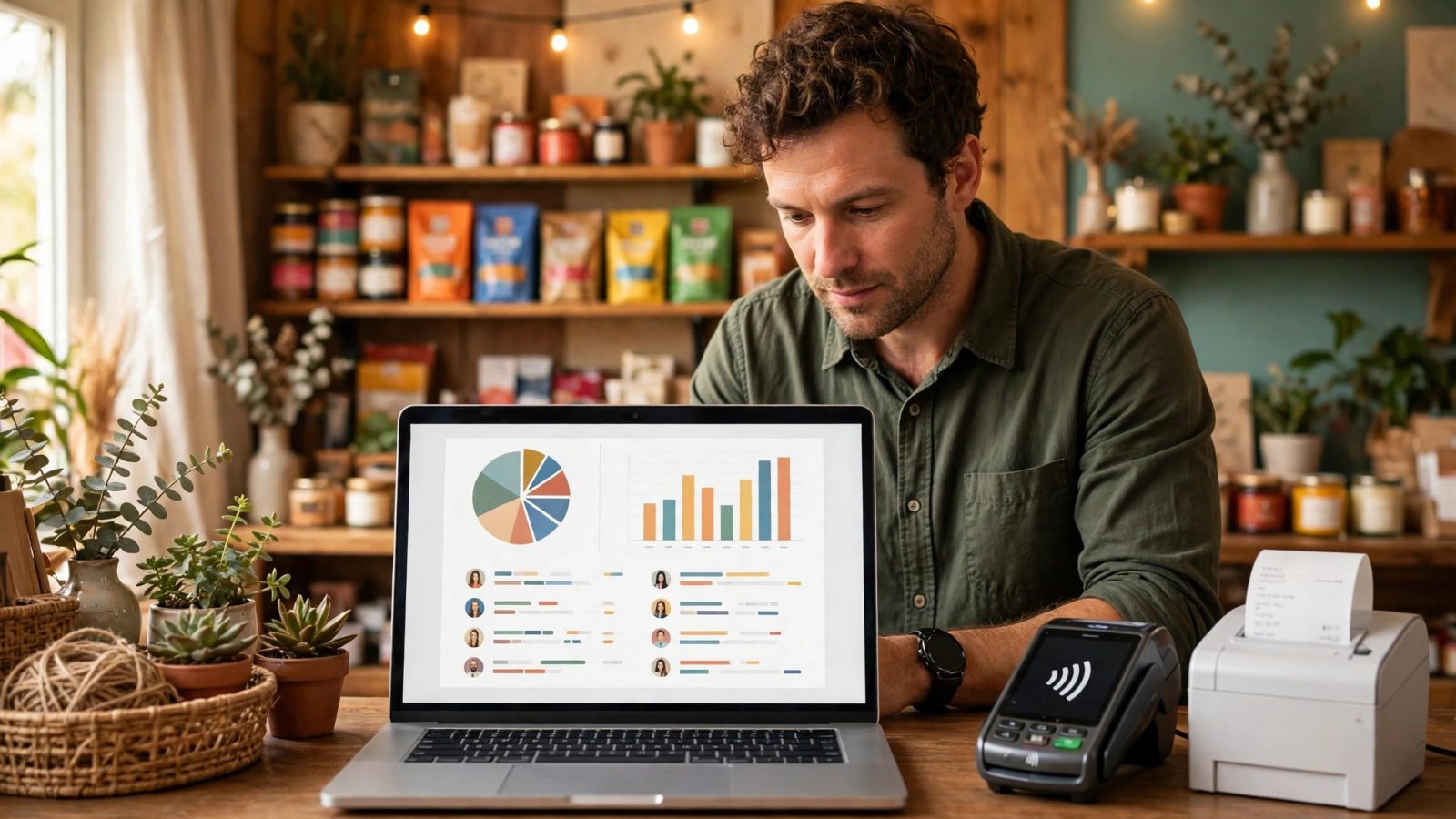
The second place free tools pay off is the boring core of the business: knowing who your customers are and getting paid on time. A customer relationship manager, or CRM, is simply one place where every customer name, conversation, and deal lives, instead of scattered across notebooks, inboxes, and memory.
HubSpot’s free CRM is the most capable free option: contacts, a deals pipeline, forms, basic email marketing, and chat tools, with no time limit. The real limits are that the AI features and workflow automation need paid seats, and email sends are capped each month, but for a business with a few hundred customers the free tier is a genuine CRM, not a trial.
For money, Wave offers free invoicing and accounting, which covers sending invoices, tracking who has paid, and keeping the books straight for a small operation. Paid plans exist for payroll and heavier features, but invoicing itself costs nothing.
For a one-off invoice, you do not even need accounting software: a free invoice generator lets you build a clean invoice in the browser and download or print it, with your business name, the items, the tax, and the total. The habit that matters is speed. Send the invoice the same day the work is done, follow up once at seven days if it is unpaid, and reconcile the CRM against the invoices once a week so no customer and no payment falls through the cracks.
Meetings and admin: notes, automation, and everyday helpers
Meetings and admin are where small business hours quietly disappear. Two free tools help most: a meeting notetaker and a small automation layer.
Otter’s Basic plan is free and transcribes up to 300 minutes a month, with each conversation capped at 30 minutes and only three file imports for the lifetime of the account. That covers about ten short client calls a month, but an hour-long meeting gets cut off at 30 minutes on the free plan, so it suits quick check-ins rather than long workshops. Pro costs $16.99 a month, or $8.33 a month billed yearly, and raises the limits to 1,200 minutes a month with 90-minute conversations.
Zapier’s free tier covers 100 tasks a month with two-step automations only. One useful automation is worth more than ten clever ones: a new contact form submission straight into a spreadsheet, or a new order posted to a team chat channel. Make offers a free tier too, and suits owners who want more complex multi-step flows without paying.
Two small helpers round out the admin stack. A QR code on the counter, the menu, the packaging, or the van can send a customer straight to your booking page, your menu, or your review page, and a free QR code generator makes one in seconds with no signup. And because a free stack means half a dozen new accounts, give every one its own strong password: a password generator and strength checker creates one and tells you honestly how strong it is, so a breach at one service does not hand over the rest.
The honest limits of “free”
Free tiers cost time instead of money, and the honest way to judge them is by the workaround. A free plan that makes you retype meeting notes, rebuild the same design, or copy customer names by hand is charging you in hours. The upgrade rule is simple: when a manual workaround costs more than the subscription, pay. Otter Pro at $8.33 a month on the annual plan is cheap next to an hour of retyping notes every week. ChatGPT Plus at $20 a month is cheap next to the hour you lose every time the free tier cuts you off mid-task.
Free tiers also change without warning. Limits shrink, features move to paid plans, and a tool that was generous last year can be tight this year. Check the live pricing page before you build a workflow around a free tier, and keep your data exportable so you can leave.
Privacy is the limit owners most often miss. Free consumer chatbots are not the place for customer data, financial records, contracts, or anything covered by a confidentiality agreement. Use business plans with proper data controls for anything sensitive, and treat a free AI tool the way you would treat a temp worker: useful for drafts and public material, never handed the safe keys.
Finally, no single tool does everything, and no stack needs twelve tools. Three or four tools, used daily, will save more time than a dozen tools you open once a month.
Your first 30 days with free AI tools
Week one is writing. Pick one assistant, ChatGPT or Claude, and use it for one real job: five product descriptions, ten social media posts, or the replies to your last month of customer reviews. Edit everything before it goes out.
Week two is customers and money. Set up the free CRM, import your customer list, and send your next invoice from one place instead of three. If you only send a few invoices a month, the free invoice tool is enough on its own.
Week three is design. Make one template set in Canva, fix your brand colors, check the contrast on your menu or price list, and print the QR code for the counter.
Week four is automation. Connect one repetitive task in Zapier, look at what actually saved time, and decide on at most one paid upgrade. Most owners find that one $20 subscription, usually the writing assistant, is the only one that earns its keep in the first month. Everything else can wait until the hours saved prove the case.
Start free, measure the hours, and pay only for what earns its keep. That is the whole strategy, and it works because the free tiers in 2026 are good enough to run a real small business on.