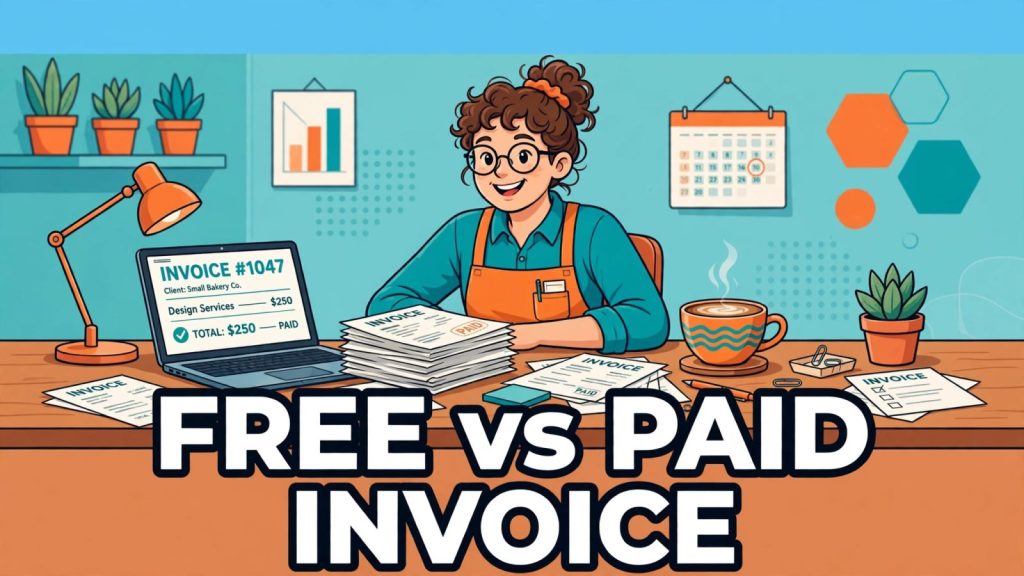
Every small business reaches the same fork in the road: keep making invoices with a free invoice generator, or start paying every month for invoicing software. The wrong choice costs real money either way. Pay for software you do not need and you burn $276 or more a year. Stay free too long and late payments, manual chasing and missing features quietly cost you far more.
This guide compares the two honestly. Every price below was checked against the vendors’ own pricing pages and independent 2026 comparisons on 15 November 2026, so the numbers are current, not copied from an old roundup. By the end you will know exactly which side of the line your business sits on.
What a free invoice generator actually gives you
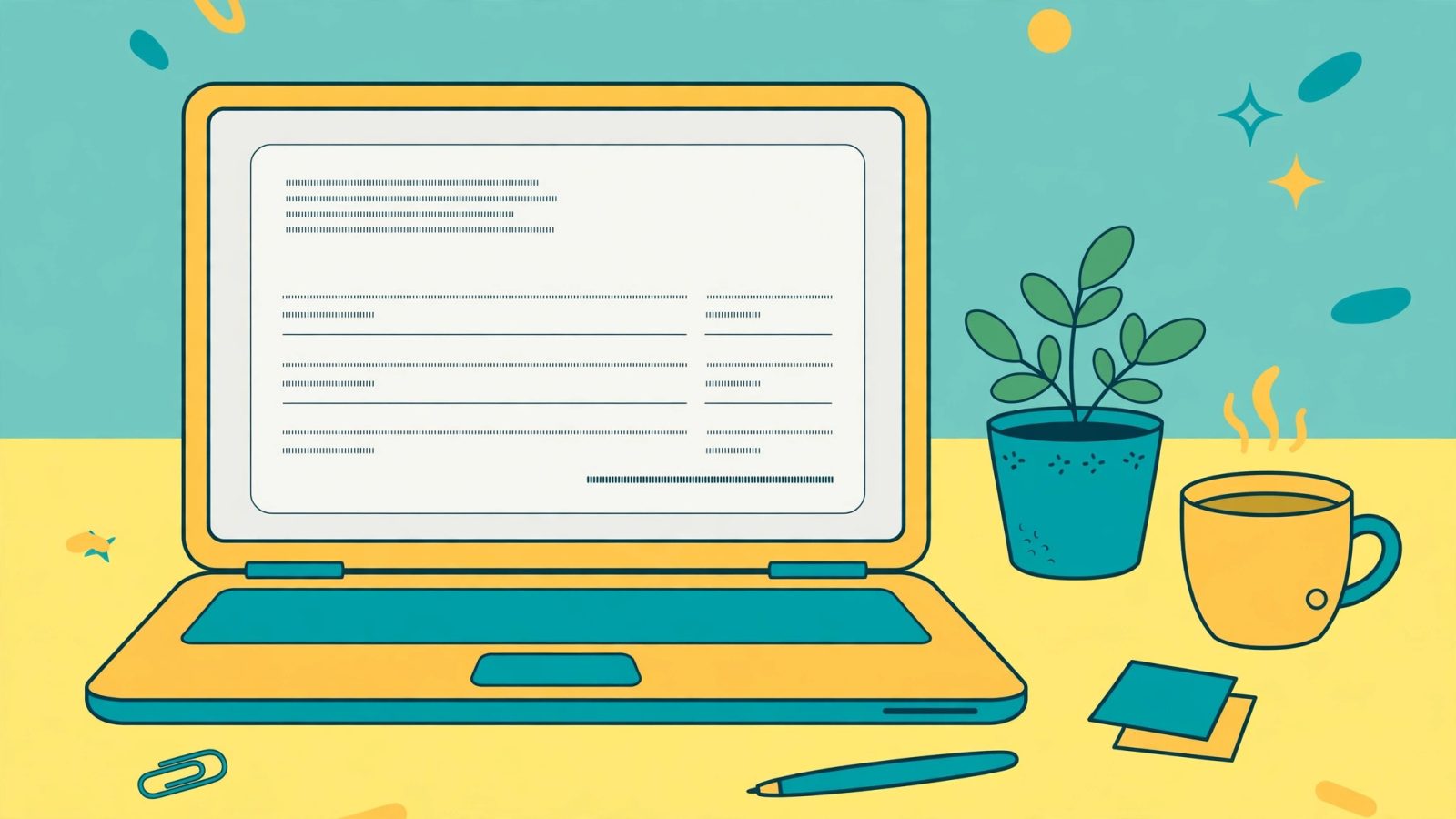
A free invoice generator is a simple web tool: you type in your business name, your client’s details, the items you are billing for and the total, and it produces a clean, professional PDF invoice you can send straight away. No account, no card, no monthly bill. Our own free invoice generator works exactly this way, in your browser, and the invoice is yours to download and keep.
What you get is the core of invoicing: a professional layout with your logo and payment details, itemised lines with quantities and rates, automatic totals and tax calculation, and a PDF you can email or print. For a freelancer sending a handful of invoices a month, that is genuinely everything the job needs. A good free tool does not watermark the invoice, does not cap you at three invoices and then demand a card, and does not hold your PDF hostage until you sign up.
Free dedicated invoicing apps go one step further. Zoho Invoice is free forever with no paid tier at all, and Wave’s free Starter plan adds unlimited invoices plus basic bookkeeping for businesses in the US and Canada. These are real products, not trials with a countdown timer. The catch is never the invoice itself. It is everything around the invoice, and that is where this comparison gets interesting.
The real cost of “free”: five limits to check before you commit
Free is only free if it does what you need. Before you settle on any free option, check these five limits, because each one is a common reason businesses end up paying later anyway.
1. How many invoices can you send? Zoho Invoice’s free plan caps you at 500 invoices a year, which sounds generous until a growing business with weekly clients does the maths: 500 a year is about 10 a week. Wave’s free plan has no invoice cap at all, but it only works for businesses in the US and Canada. A free invoice generator like ours has no cap either, because it creates one invoice at a time and stores nothing.
2. How many clients and users? FreshBooks’ cheapest paid plan, Lite at $23 a month, allows only 5 billable clients. Zoho Invoice allows 2 users on its free plan. If you are a solo freelancer, these numbers never bite. Add one employee or one virtual assistant and they suddenly matter.
3. Does it chase late payments for you? This is the biggest gap. A free generator makes the invoice; it does not remind anyone to pay it. Paid tools send automatic reminders, and that matters because late payment is not a rare problem. In 2026, 59% of small businesses carried invoices overdue by 30 days or more, with an average of $17,700 unpaid per business, according to reports from Intuit and Xero cited in independent 2026 comparisons. If one automatic reminder gets a single $500 invoice paid two weeks earlier, it has already paid for a month of software.
4. Does it take payments? Most free tools produce a PDF and stop. Your client still has to pay by bank transfer or cheque. Paid tools add a “Pay now” button, but the card fee, usually 2.9% plus 30 cents per transaction, comes out of your money either way. On a $1,000 invoice that is $29.30. Worth knowing before you celebrate a “free” plan that routes payments through its own processor.
5. Does it do your books? An invoice is a document. Bookkeeping is a system. Wave’s free plan is unusual because it includes double-entry bookkeeping. Most free generators do not, which means your invoices live in one place and your accounts live in a spreadsheet. That is fine at five invoices a month and painful at fifty.
Where free stops: the limits that cost you money
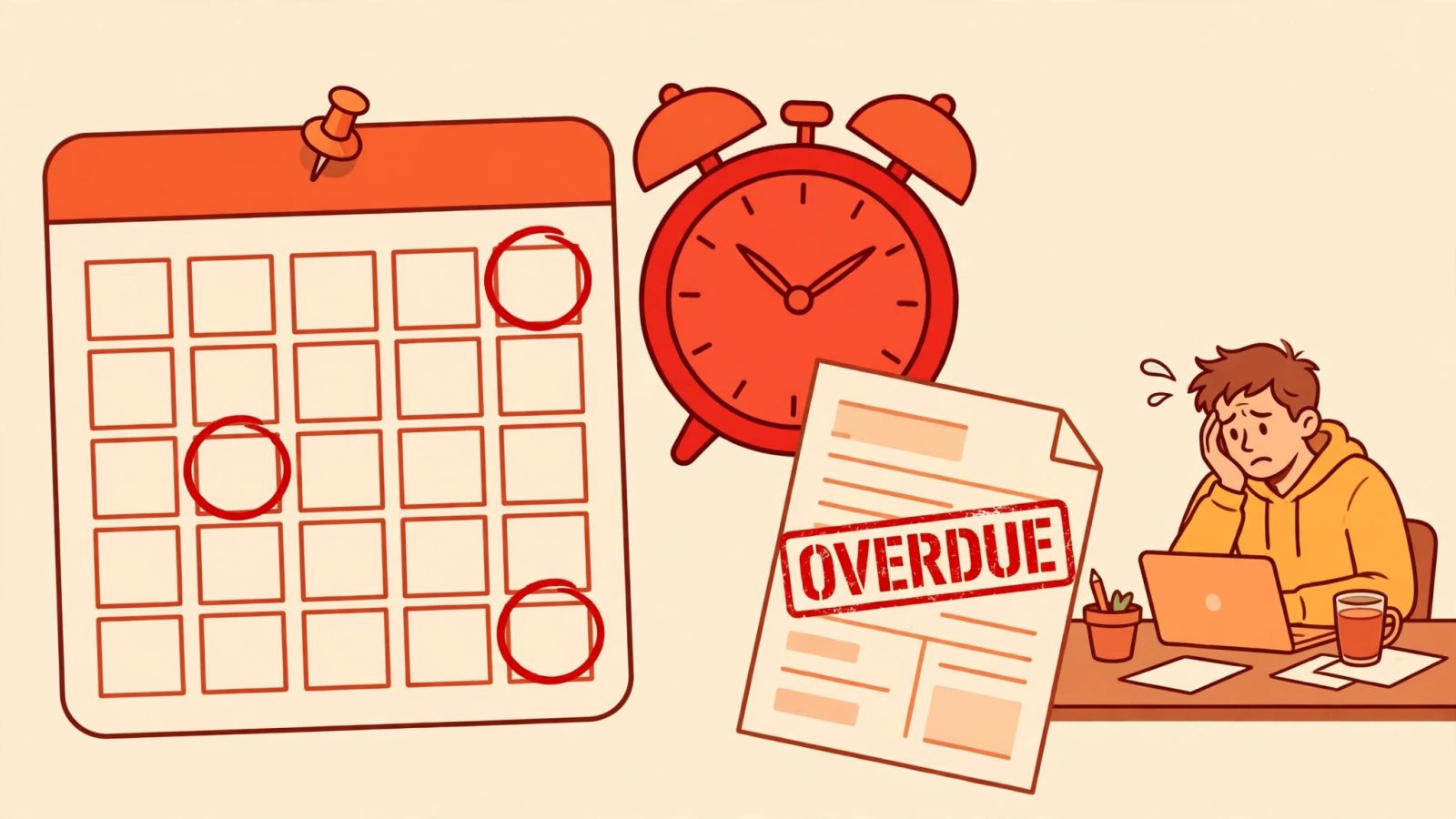
Free stops being enough at a predictable point, and it is worth recognising the signs early. The first sign is time. If you spend more than an hour a week copying invoice details into spreadsheets, retyping client addresses or manually sending “just checking in” emails, the software has already earned its fee in your time alone. At a modest $30 an hour, one hour a week is $120 a month of your time, against a $23 FreshBooks Lite plan.
The second sign is volume. Recurring invoices are the clearest example. If you bill the same five clients the same amount every month, a paid tool sends those invoices automatically while you are doing anything else. With a free generator you rebuild each one by hand, every month, and every manual rebuild is a chance to type the wrong amount or forget one entirely.
The third sign is professionalism under pressure. A client disputing an invoice wants a paper trail: when it was sent, when it was viewed, when the reminder went out. Paid tools keep that trail automatically. A free generator gives you the PDF; the trail is your sent-mail folder. The same gap shows up at tax time, when your accountant asks for a year’s invoices in one export and you have twelve months of PDFs in a downloads folder.
None of this means free is bad. It means free has a ceiling, and the ceiling is lower than most people expect: roughly 5 to 10 invoices a month, one user, no recurring billing, and clients who pay on time without reminders. Below that ceiling, free wins outright. Above it, you are paying with your time instead of your money, and your time is usually worth more.
Paid invoicing software: what the monthly fee buys

Paid invoicing software is not a fancier invoice. It is an invoicing system, and the monthly fee buys four things a free tool cannot offer.
Automation. Recurring invoices send themselves. Reminders go out on the schedule you set, polite at first and firmer later, without you remembering anything. Payment links let clients pay by card from the invoice itself. FreshBooks, QuickBooks Online and Xero all do this on their cheapest plans.
Tracking. You see when a client opens an invoice, which invoices are overdue, and how much money is outstanding at a glance. That single dashboard view is what turns “I think I am owed money” into “three clients owe me $2,340 and two of them are 14 days late”.
Accounting. QuickBooks Online and Xero are accounting platforms first and invoicing tools second. Expenses, bank reconciliation, tax categories and reports all live in the same place as your invoices. If your accountant already uses one of them, that alone can decide the choice for you.
Scale. More users, more clients, more projects, multi-currency billing and better support. Xero’s higher tiers exist for businesses with an accountant and several staff, not for a solo freelancer, and the price reflects that.
The honest downside is that the cheapest paid plans are deliberately limited. FreshBooks Lite at $23 a month covers only 5 billable clients, and QuickBooks Online Simple Start at $38 a month covers a single user. The entry price is low, but growing past it means climbing to the next tier, which is how a $23 tool becomes a $43 or $85 tool within a year.
2026 price comparison: the numbers that matter
Here are the real numbers, checked on 15 November 2026 against vendor pricing pages and three independent October 2026 comparisons. Prices are US list prices in dollars, before tax, and vendors change them often, so confirm on the vendor’s site before you pay.
| Tool | Free option | Cheapest paid plan | Best for |
|---|---|---|---|
| Zoho Invoice | Free forever, 500 invoices a year, 2 users | No paid tier exists | Free invoicing with the most features |
| Wave | Free Starter, unlimited invoices, US and Canada only | Pro $19 a month or $190 a year | Free invoicing plus bookkeeping |
| FreshBooks | 30-day trial only | Lite $23 a month, 5 billable clients | Service freelancers who track time |
| QuickBooks Online | Very limited free plan | Simple Start $38 a month, 1 user | Businesses that need full accounting |
| Xero | 30-day trial only | Early $27 a month | Accountant-friendly, unlimited seats on higher tiers |
| Harvest | Free for 1 user and 2 projects | $11 per seat a month | Hourly billing with time tracking |
| Bonsai | No free plan | Starter $21 a month | Invoicing plus contracts and CRM |
| QuickBooks Self-Employed | 30-day trial only | $20 a month | US freelancers who handle their own taxes |
Two patterns stand out. First, the genuinely free options are Zoho Invoice and Wave, and both have a clear boundary: Zoho caps invoices, Wave caps geography. Second, the paid ladder starts at $11 to $23 a month for a solo freelancer and climbs steeply. QuickBooks Online jumps from $38 to $85 to $140 a month across its tiers, and Xero from $27 to $59 to $97. The price you sign up for is rarely the price you pay in year two, which is why the free-versus-paid question is really a question about how fast you plan to grow.
One more number belongs in any honest comparison: payment processing. Card payments through these tools cost around 2.9% plus 30 cents per transaction, and Wave charges 2.9% plus 60 cents on its free Starter plan. On $2,000 of monthly card payments that is roughly $64 a month in fees, more than the software subscription itself. Bank transfer has no such fee, which is one reason many small businesses keep it as the default even after they start paying for software.
How to make a free invoice in 5 minutes
You do not need an account or a subscription to send a professional invoice today. Using our free invoice generator, the whole job takes about five minutes.
Step 1: Open the invoice generator and add your business name, address and logo, plus your payment details so the client knows exactly how to pay you.
Step 2: Add your client’s name and address, an invoice number and the date. Use a simple numbering system, such as INV-001, INV-002, and keep it running in order all year. Your future self at tax time will be grateful.
Step 3: List each item or service on its own line with a quantity, a rate and a short description. Vague lines like “services rendered” cause disputes; specific lines like “Website homepage redesign, 6 hours at $50” do not.
Step 4: Set the tax rate if one applies and check the total. Add your payment terms in plain words, for example “Payment due within 14 days. Bank transfer to the account shown above.”
Step 5: Download the PDF and email it to your client with a short note. Save a copy in a folder named by month, and write the due date in your calendar on the same day you send it, because a free tool will not remind you.
That last step is the whole difference between free and paid in one sentence: with a free invoice generator, you are the reminder system. If you are disciplined about it, that costs you nothing. If you are not, it costs you late payments.
The verdict: who should stay free and who should pay
Stay free if you send fewer than 10 invoices a month, you are the only person sending them, your clients mostly pay on time, and you bill one-off projects rather than the same clients every month. A free invoice generator plus a simple spreadsheet is the right tool for that business, and paying $276 a year for automation you will barely use is money thrown away. The same logic applies to the other free tools on this site: use the free tool that fits the job, as our guide to the best free AI tools for small business shows across the board.
Pay when any one of these is true: you send more than 10 invoices a month, you need automatic reminders because clients pay late, you bill recurring amounts, you have staff or an accountant who needs access, or you spent more than an hour last week on invoicing admin. Start with the cheapest plan that removes your specific pain, not the plan with the longest feature list. For most service freelancers that is FreshBooks Lite at $23 a month or Wave’s free plan if you are in the US or Canada; for businesses that need real accounting it is QuickBooks Online or Xero, and the price is justified by the bookkeeping, not the invoices.
One last honest point: the best choice today may not be the best choice in a year. Start free, and let your invoice count decide. When you catch yourself chasing payments instead of doing the work you bill for, that is the moment to pay. Until then, keep the $276 a year and spend it on the business instead.
Frequently asked questions
Is a free invoice generator really free? Yes, if it is a standalone tool like ours: no account, no card and no invoice limit, and the PDF is yours. Free plans inside paid apps are different, because they come with caps on invoices, clients or users, so always read the limit before you commit your business to one.
Do clients take a free invoice seriously? Clients judge the invoice, not the tool that made it. A clean PDF with your business details, itemised lines, a total and clear payment terms looks exactly as professional as one from paid software. What clients notice is missing information and late or incorrect invoices, not the software behind them.
What is the best free invoice generator for a small business? For one-off invoices with no account, a standalone free invoice generator is the simplest answer. If you want a free app with client records and reminders, Zoho Invoice is the strongest free option, free forever with a 500-invoice yearly cap, and Wave is the best free choice if you are in the US or Canada and want bookkeeping included.
When does paid invoicing software pay for itself? Roughly when it saves you an hour a month or recovers one late payment a year. At $23 a month, FreshBooks Lite pays for itself if a single automatic reminder gets one invoice paid on time, or if it saves you about 45 minutes of admin a month at a $30 hourly rate.
Prices and free-plan limits in this article were checked on 15 November 2026 against vendor pricing pages and independent 2026 comparisons. Vendors change prices often, so confirm the current figures on the vendor’s own site before you pay. If you want to see how your late payments add up over time, our guide to how compound interest works shows what small amounts become when they are left sitting for months or years.