It is Sunday night, and the lesson plans for Monday are still not written. Every teacher knows that feeling. The good news is that 2026 is the first year in which genuinely free AI tools can take a real share of that workload, and the numbers back it up: in a Gallup and Walton Family Foundation survey of 2,232 US public school teachers, 60% said they had used an AI tool for their work during the 2024-25 school year, and the teachers who used one at least weekly estimated it saved them 5.9 hours a week. That is not a marketing claim. It is teachers reporting their own time back.
This guide lists only tools with a real free tier in 2026, and it states the free limit of every tool honestly, so you never discover a paywall after twenty minutes of work. Every price and free limit below was checked on 18 November 2026. Where a tool on this site can do the same job for free, we say so: our AI Essay Writer drafts lesson materials, parent emails and worksheets with no signup and no cost, and it appears again in the teaching-tasks section below. If you teach older students, our guide to the best free AI tools for students covers the tools your class will meet on their side of the screen.
Why teachers are turning to AI in 2026
The Gallup survey, conducted from 18 March to 11 April 2025 and published on 24 June 2025, is the clearest picture we have of how teachers actually use AI. Six in ten teachers used it for work, 32% at least weekly and 28% monthly or less. The weekly users are the ones who feel the difference: they estimate saving 5.9 hours a week, which Gallup extends to about six weeks across a 37.4-week school year. These are self-reported estimates, not timed measurements, so treat them as a sign of where the time goes rather than a promise. Even so, between 57% and 74% of teachers said AI improved the quality of their work at least somewhat, depending on the task, and very few said it made their work worse.
Teachers use AI mostly to prepare, adapt and produce materials, not to teach. The most common jobs are drafting lesson plans, levelling a reading passage for different abilities, writing feedback, and answering parent emails. That is exactly what this guide is organised around: one section per job, with the best free tool for that job, its real free limit, and what it costs when the free tier runs out.
There is also a gap worth knowing about. Only 19% of the teachers Gallup surveyed work in a school with a formal policy on AI use, and teachers in schools with a policy reported time savings 26% greater than those without one. The tools below are free, but your district rules still decide what you may put into them. The privacy section near the end of this guide covers that in plain language.
Demand is real and growing. Google Keyword Planner data from October 2026 puts “ai tools for teachers” at about 1,600 US searches a month, while “chatgpt for teachers” draws about 9,900. Teachers are searching for this because the workload problem is real, and the free tiers below are the cheapest way to test whether AI actually helps your week.
MagicSchool AI: the best all-round free toolkit

If you install only one tool from this list, make it MagicSchool AI. It is the most widely adopted teacher-facing AI platform in US schools, with more than 80 teacher tools in one place: lesson plans, rubrics, quiz generators, IEP drafts, parent emails, behaviour plans and feedback comments. The company reports more than 6 million educator sign-ups across 160 countries as of August 2026.
The free plan costs $0 and includes all 80+ tools, with daily generation caps. That matters, because most competitors lock their best generators behind a paid tier. The paid tier, MagicSchool Plus, costs $12.99 a month, or $8.33 a month billed annually at $99.96 a year, and adds unlimited generations, output history and one-click export to Google Docs and Word. For most teachers the free tier is enough to find out whether the workflow fits; pay only when you hit the daily cap on a regular week.
MagicSchool is also the strongest pick on student data. It states FERPA and COPPA compliance, and it scored a 95% Common Sense Privacy rating in March 2026. That does not remove your district rules, but it is the best privacy posture of any general teacher toolkit on this list. Start with the lesson plan generator and the rubric generator: paste your topic and year group, and edit the draft rather than accepting it as finished. The output is a starting point, and your professional judgement is what makes it a lesson.
ChatGPT for Teachers: the most flexible free option
ChatGPT for Teachers is OpenAI’s free workspace for verified US K-12 educators. It is not a separate model; it is the general chatbot inside an education workspace where your data is not used to train models by default, and it is covered by a national data privacy agreement across 16 states. The offer has a published end date, so check OpenAI’s current terms before you build a routine around it, but while it runs it is the most flexible free option on this list: it drafts, rewords, summarises, brainstorms and answers questions in plain language, for any subject.
Use it for the jobs that do not fit a specialised tool. Draft a tricky parent email in three tones and pick the kindest one. Turn a dense textbook paragraph into a version a 12-year-old can read. Generate ten quiz questions on a topic, then keep the best five. The paid tier, ChatGPT Plus, costs $20 a month and is not education-specific, so there is no reason to pay for it unless you want the higher limits for personal use.
One warning: a general chatbot will confidently invent facts, dates and quotes. Never let it write anything factual without checking it against a source you trust, and never paste student names or grades into it. If you want alternatives to ChatGPT for writing tasks, our guide to the best ChatGPT alternatives for writing compares the free options in detail.
Khanmigo: the best free tutor for your students
Khanmigo is Khan Academy’s teaching assistant and student tutor, and it is free for US K-12 teachers, funded by Microsoft. Learners and parents pay $4 a month or $44 a year, but teachers keep the full toolset at no cost. That makes it the best free option on this list for student-facing work, because the tutoring is built on Khan Academy’s own curriculum rather than a general chatbot guessing at the syllabus.
Its strength is Socratic tutoring: instead of giving the answer, it asks the student questions that lead them to it. Teachers can also use it to generate lesson hooks, exit tickets and practice problems tied to the topic the class is studying. It is strongest inside the subjects Khan Academy covers well, such as maths, science and computing, and narrower outside them. If your subject is covered, set up one class activity with it before you judge it; the Socratic style feels slow on the first try and pays off once students learn to argue with it.
SchoolAI: the safest way to let students use AI
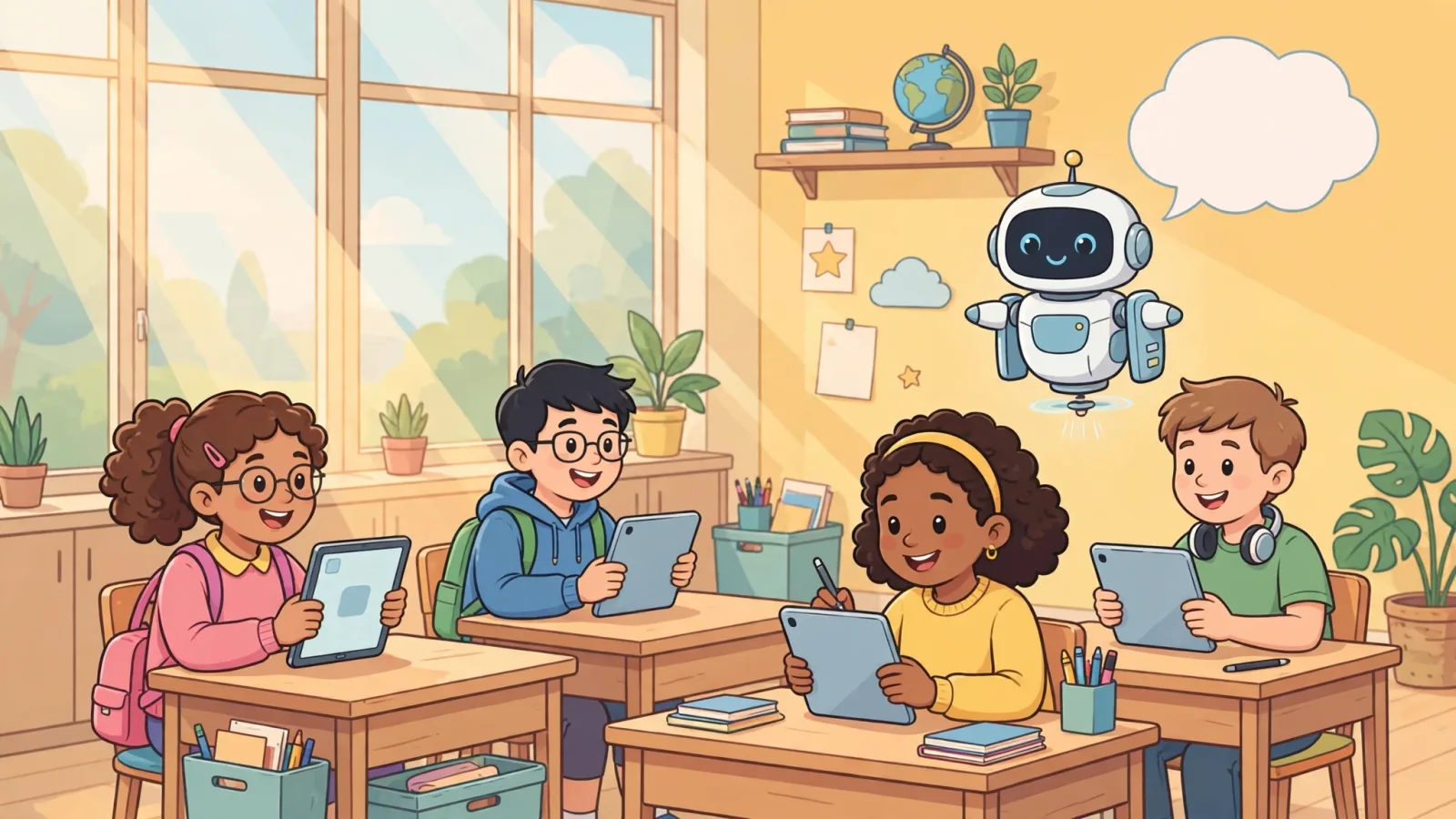
SchoolAI takes a different approach from the tools above: it is built for students to use directly, under teacher oversight. Teachers create Student Spaces, which are standards-aligned AI chatbots for a specific topic or activity, and a Mission Control dashboard shows what students are doing inside them. The free tier gives 75 student Space sessions a day, which is enough to run a real class through it rather than merely sample a demo.
That oversight is the point. A general chatbot handed to a class is a safeguarding problem; a Space you designed, with a topic you chose, is a teaching tool. Use it for guided revision, for a debate partner on a set text, or for a research assistant that stays inside the topic. The paid tiers exist for schools that want more sessions and admin controls, but the free allowance is unusually generous for a student-facing product, and it is the reason SchoolAI leads most 2026 rankings of teacher tools.
Diffit and Brisk: levelled readings and faster feedback
Differentiation is where free AI tools save the most visible time. Diffit takes any text, article link or topic and produces a levelled passage with vocabulary and comprehension questions, so the same lesson works for a strong reader and a struggling one. The free basic tier covers the core workflow. The paid tier, Diffit Premium, costs $14.99 a month or $149.99 a year, and first-year teachers get their first year free. One limit to know: the free tier loses Google-format export and standards alignment once the 60-day trial lapses, so export your best passages early if you rely on those formats.
Brisk Teaching works inside Google Docs as a Chrome extension, which is where most teacher feedback already lives. Its free tier writes feedback, levels text and inspects student writing without leaving the document. The individual Pro price is not published on Brisk’s own pricing page, and third-party reports put it at about $99.99 a year, so treat that figure as unconfirmed and check before paying. For day-to-day use the free tier is the product: select a paragraph, ask for feedback in your tone, and edit before you send it to the student.
For the same rewording job, our own AI Paraphraser rewrites any passage in a simpler or more formal style with no signup, which is handy when Diffit’s free tier runs out mid-week. And if a student’s draft reads like it was copied from a chatbot, our AI Text Humanizer shows how the same ideas sound in natural, human wording, which is a useful teaching example for a writing lesson rather than a way to hide AI use.
Eduaide, Curipod and To Teach: planning on a budget
Not every teacher needs an 80-tool platform. Eduaide.AI is built around pedagogy rather than volume: its free tier gives 15 generations a month, and the paid tier costs $4.17 a month billed annually at $49.99 a year, or $5.99 a month. Fifteen generations is enough for one teacher’s weekly planning if you use them for the jobs that matter, such as a unit plan or a set of differentiated questions, and do the rest by hand.
Curipod turns a lesson into an interactive slide deck with polls, word clouds and live responses, and its free tier covers a class session with limits on session length and class size. It is the best free pick on this list for engagement rather than preparation, and it works well for a Friday-afternoon lesson that needs energy. To Teach is narrower still: its free tier gives 5 exercises, 3 worksheets and 2 lesson plans a month, which is enough to test the workflow but not enough for everyday use. Try it for one unit, keep it if the exercise quality beats your current routine, and drop it if it does not.
Rounding out the free education offers, Gemini for Education is included with many Google Workspace for Education accounts, Copilot Chat is free, and Canva for Education is free for K-12 schools. Check what your school already pays for before you install anything new: the best free tool is often the one your district has already licensed.
Free AI writing tools you can use for teaching tasks today

Alongside the big platforms, the free writing tools on this site cover the small teaching jobs that come up every day. Our AI Essay Writer drafts lesson introductions, assembly scripts, newsletter paragraphs and model answers, with no signup and no cost. Paste your topic, take the draft, and rewrite the parts only you could write: the example from your own classroom, the joke your class will actually get, the line that connects this topic to last week’s lesson.
When a worksheet is too hard for one group and too easy for another, our AI Paraphraser rewrites the same instructions at a simpler or more formal reading level in seconds. When you want to show a class what natural writing sounds like next to machine-smooth text, our AI Text Humanizer gives you the comparison on screen. And at grading time, our GPA Calculator turns raw marks into grade point averages instantly, which is useful for the teachers who track progress across a term and need the maths done without a spreadsheet.
These tools are free, need no account, and run in the browser, so they are the fastest way to test whether AI helps a specific job before you adopt a bigger platform. Use them for your own preparation and drafting, not for student data: never paste a class list, a grade book or a student’s name into any free web tool.
The privacy line: student data rules every teacher should know
Free does not mean safe for student data. In the US, FERPA governs education records and COPPA governs data from children under 13, and no general AI tool is compliant by default. MagicSchool states FERPA and COPPA compliance and holds a 95% Common Sense Privacy rating, which is why it leads this list, but even there your district’s own agreement decides what you may upload. ChatGPT for Teachers and Gemini for Education offer education workspaces with data protections that the consumer versions do not, and that distinction is the whole reason to use the education version.
Three rules cover almost everything. First, never paste student names, grades, behaviour notes or IEP details into any AI tool unless your district has a signed agreement with that provider. Second, treat every AI output as a draft: check facts, dates and quotes before they reach a student or a parent. Third, ask your school what policy exists, because only 19% of teachers in the Gallup survey work in a school with a formal AI policy, and teachers in schools with one reported 26% greater time savings. A short conversation with your head of department or IT lead is worth more than any tool on this list.
Quick picks by task
If you only have ten minutes, start from the job, not the tool. For all-round planning and paperwork, MagicSchool’s free tier is the best starting point. For flexible drafting and rewording, ChatGPT for Teachers is free for verified US K-12 educators. For student tutoring, Khanmigo is free for teachers. For students using AI directly, SchoolAI’s 75 free sessions a day is the safest route. For levelled readings, Diffit’s free tier does the job, and for feedback inside Google Docs, Brisk’s free tier is the one to try. For a small daily writing job, our AI Essay Writer, AI Paraphraser and GPA Calculator are free with no signup.
The honest summary is the same one Gallup found: AI gives teachers time back when it is used for preparation, and it gives the most back to the teachers who use it weekly and whose schools have a clear policy. Pick one tool, use it for one job for two weeks, and keep it only if your Sunday night gets shorter. That is the only test that matters, and it costs nothing to run.
Frequently asked questions
Are these AI tools really free for teachers?
Yes, every tool in this guide has a genuine free tier that was checked on 18 November 2026. The catch is always a limit: a number of generations a month, a number of student sessions a day, or a feature that only the paid tier unlocks. The free limit is stated for every tool above, so you can judge before you invest time in it.
Is it safe to put student work into an AI tool?
Only inside an education workspace your district has approved. Never paste student names, grades or behaviour notes into a general chatbot. Tools with stated FERPA and COPPA compliance, such as MagicSchool, are the safer starting point, but your district’s agreement is what decides.
Which free AI tool is best for lesson planning?
MagicSchool AI, because its free tier includes all 80+ teacher tools, including the lesson plan generator, with daily caps rather than a locked feature set. Eduaide is the best smaller alternative if you want 15 focused generations a month rather than a whole platform.
Can AI mark student work?
AI can draft feedback and suggest a grade, but it should not decide one. Use it to write faster, clearer comments, then apply your own judgement to the final mark. Detectors and graders make mistakes, and a wrong mark from a machine is still your responsibility.