Most “free” resume builders are not free. You spend an hour writing your work history, pick a clean template, click Download PDF, and a payment screen appears. The builder was never free; the download was the product. In 2026 that trap is still the business model of the biggest names in the market, and the only way to beat it is to know, before you start typing, which builders let you walk away with a real PDF and which ones charge you at the last step.
This guide does that check for you. Every price and free limit below was verified against independent testing published in 2026, and the truly-free list comes from a test that built the same one-page resume in 13 builders and tried to export it without paying. You will also get the formatting rules that decide whether a recruiter or a hiring system ever reads what you wrote. If the wording stalls you, our free AI Essay Writer can draft strong bullet points in seconds, and you can polish them with the AI Paraphraser before you paste them in. All facts, prices and free limits in this article were checked on 19 November 2026.
First, what “free” really means: the 3-step paywall test
A builder only counts as free if it passes three steps with no payment, no card and no watermark: build the resume, format it, and download it as a clean PDF. If any step asks for money, the builder is a trial, not a free tool. That single test separates the honest six from the traps, and it is the test every builder in this guide was judged against.
Watch for three tricks. The trial auto-convert asks for a card for a $1.95 or $2.95 “trial” and then renews at $24 to $30 every four weeks until you cancel. The download wall lets you build everything and locks the PDF button. The watermark export gives you a file stamped with the builder’s logo, which looks unprofessional and tells the recruiter you would not pay for your own application. A builder that uses any of these is not free, whatever its homepage says.
Search demand explains why the trap works so well. The keyword “resume builder” draws about 550,000 searches a month, and “best free resume builder” adds about 8,100 more, according to MicroSaaSHQ data updated in November 2026. Millions of job seekers arrive in a hurry, and the builders monetise that hurry at the download button.
The 6 resume builders that are really free in 2026
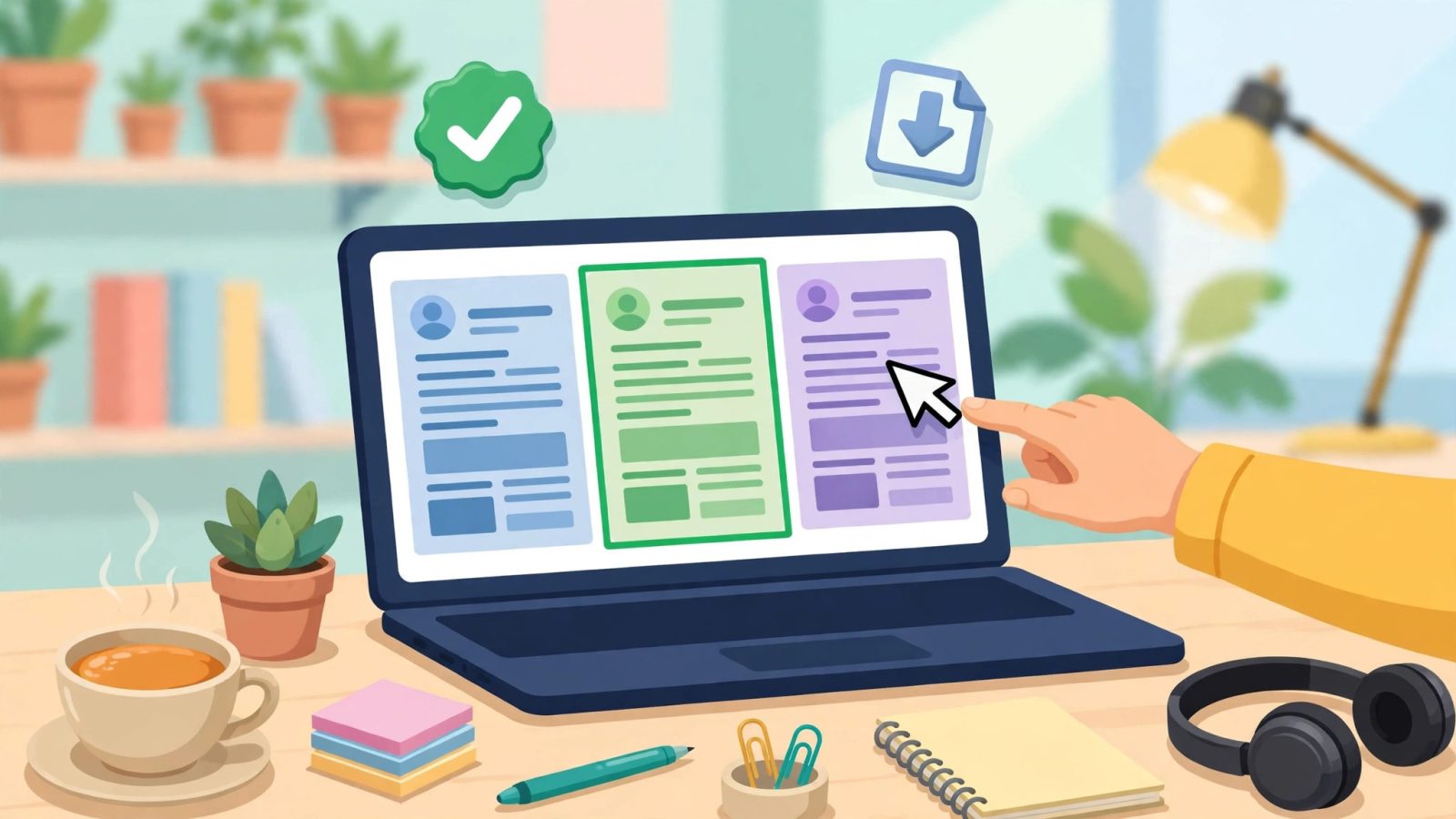
Only six builders passed the full paywall test in 2026 testing of 13 tools for the US market, with every price re-checked on the providers’ own pages in September 2026. Here they are, with what each one actually gives you.
1. FlowCV. The honest pick. One resume slot on the free plan, clean single-column templates, unlimited PDF downloads, no watermark and no card required. If you only need one strong resume, start here. The paid plan, from $5 a month billed yearly, adds more resumes and a cover letter.
2. Google Docs. The zero-risk option. Free resume templates built into Docs, full control over every word, and PDF export that has never cost anything. It has no AI writing help and no ATS score, but nothing can lock you out of your own file. Pick a simple template, not a fancy one with tables and columns.
3. OpenResume. A genuinely free builder with modern templates and PDF download included. It is the quiet favourite of the 2026 roundups because it does the basics well and never asks for payment to export.
4. Indeed Resume Builder (Resume.com). Indeed’s own builder lets you build and download a PDF free. It is plain and practical, and it connects directly to the largest job board in the US, which is useful when you are applying to many roles at once.
5. Jobscan. Free resume building plus a free ATS match score against a specific job description, so you can see which keywords you are missing before you apply. That score is the feature the other free builders lack, and it matters because of the ATS numbers later in this guide.
6. LinkedIn (desktop). Your LinkedIn profile can be exported as a PDF resume from the desktop site, in English-language profiles. It is basic, but it is free, instant, and already contains your full work history if your profile is up to date.
Two more are worth knowing. Teal has the most useful free plan of any builder in 2026: unlimited resumes, unlimited job tracking, 10 templates, a Chrome extension that saves postings, and a small pool of AI credits, all with no card required. Its paid plan, Teal+, is $13 a week, $29 a month, $79 a quarter or $179 a year, so watch the weekly price if you leave it running. Kickresume gives unlimited free downloads if you stay on the free templates and skip paid customisation, and it includes a basic ATS checker. Canva also exports PDFs free, but many of its resume designs use columns, icons or photo headers that confuse hiring software, so only use its simplest single-column templates.
The 4 paywall traps to avoid (and one in-between)
Four of the biggest names in resume building all use the same model: build free, pay to download. The prices below were re-checked in September 2026 and were unchanged from June.
Zety charges $1.95 for a 14-day trial, then renews at $25.95 every four weeks. Resume Genius charges $2.95 for a trial, then $23.95 every four weeks. Resume.io charges $2.95 for a trial, then $29.95 every four weeks. MyPerfectResume charges $2.95 for a trial, then $23.95 every four weeks. All four gate the PDF export behind that payment. The free tier of Zety only exports a plain TXT file, which is useless for a real application.
Novoresume sits in between. Its free Basic tier gives you one single-page PDF, but with a watermark and limited customisation, and the moment you touch a Premium font, layout or section, the export stops working. Its paid Basic plan is $21.99 a month. If you need more than one page, Novoresume is not your free option.
The pattern is easy to spot once you know it: a builder that shows you beautiful templates first and mentions price last is selling the download. A builder that tells you the free limit up front, like FlowCV’s one resume or Teal’s free plan, is usually honest about it.
How to build your resume in 20 minutes
You do not need a designer and you do not need an hour. Follow these seven steps in order and you will have a finished, downloadable PDF in about twenty minutes.
Step 1: Pick a truly free builder. Choose FlowCV for a clean single resume, Google Docs if you want total control, or Teal if you are applying to many jobs and want the tracker. Do not start in a builder until you have confirmed the PDF download is free.
Step 2: Gather your raw facts first. Before you touch a template, write down your job titles, employers, dates, and three achievements per role with numbers. Numbers are what turn a duty into proof: “grew email list from 800 to 4,200 subscribers in six months” beats “managed email marketing” every time.
Step 3: Write bullets with a formula. Use action verb, then what you did, then the result: “Cut checkout errors by 31% by rebuilding the payment form.” If the wording feels flat, draft the bullets with our free AI Essay Writer and then tighten each one with the AI Paraphraser until it sounds like you, not a template. Students building a first resume can find more free writing help in our guide to the best free AI tools for students, and teachers will find the same tools in our best free AI tools for teachers guide.
Step 4: Keep it to one page. If you have under ten years of experience, one page is the right length. Recruiters do not reward a second page; they reward a first page that answers their question fast. Cut older roles to one line each, or drop them entirely.
Step 5: Tailor the top third to the job. Mirror the exact words from the job posting in your skills and most recent bullets. If the posting says “inventory forecasting” and your resume says “stock planning”, the software may not match them. This is the single highest-value edit you can make, and it takes two minutes per application.
Step 6: Export and check the PDF yourself. Download the PDF, open it, and read it as a stranger would. Check that no text is cut off, no bullet wraps awkwardly, and the file name is professional: Firstname-Lastname-Resume.pdf, never Resume-final-FINAL-v3.pdf.
Step 7: Save a plain-text copy too. Some application forms ask you to paste your resume into a text box. Keep a .txt version with no formatting so you are never caught reformatting under pressure.
The ATS rules that decide whether anyone reads it
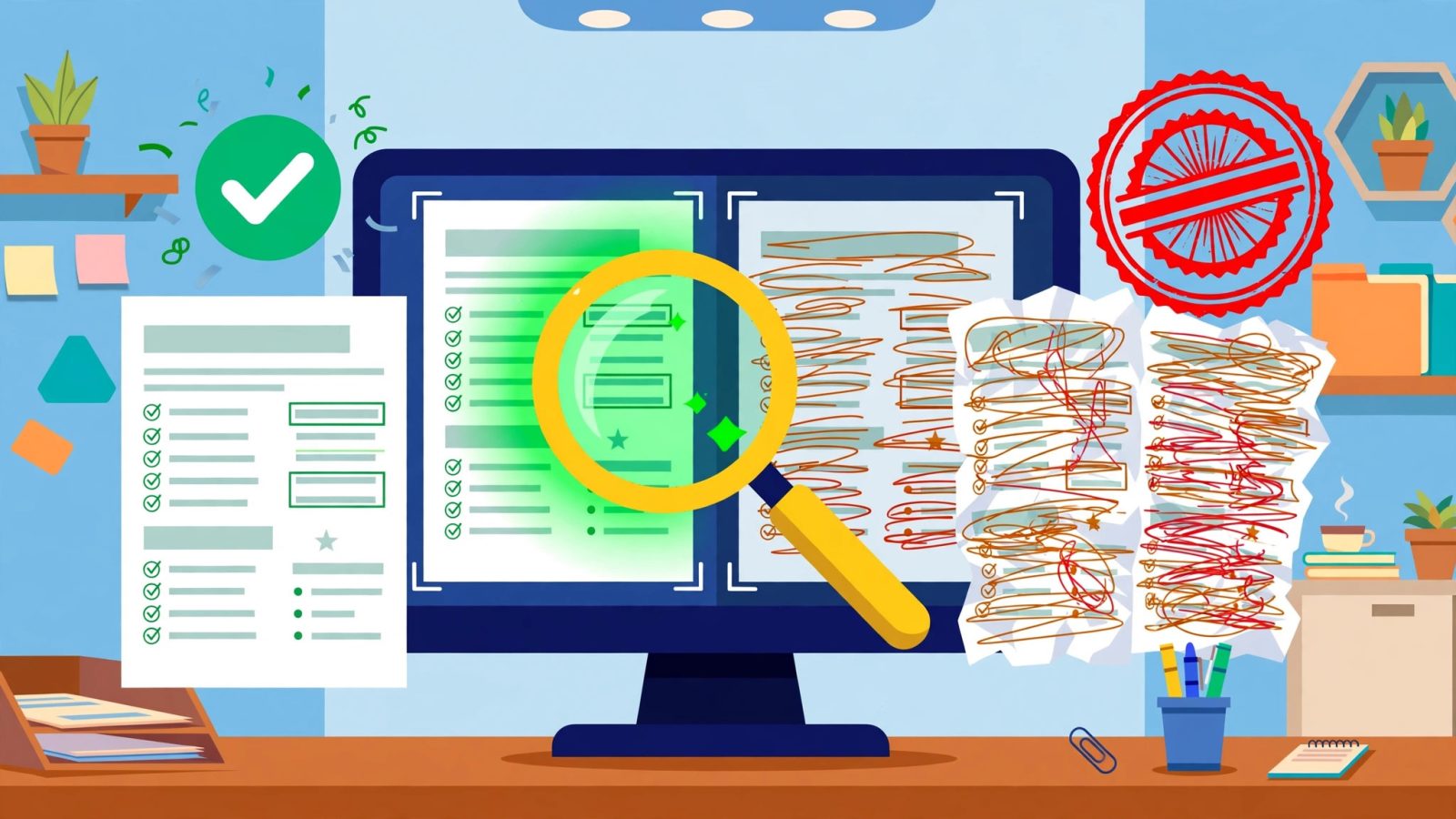
Before a human sees your resume, software usually does. An applicant tracking system, or ATS, is the hiring software almost every large employer uses to collect, store and sort applications. Jobscan’s 2026 analysis found a detectable ATS at 97.4% of Fortune 500 companies, 487 of 500, and the figure has sat near 98% every year since 2018. The average corporate job opening draws about 250 applications, which is why employers use the software at all.
Harvard Business School’s Hidden Workers report estimated that automated filters reject about 75% of applicants, many of them qualified, and a 2026 survey found 77% of US job seekers worried their resume would be filtered out before a human ever reviewed it. Those numbers sound alarming, but the fix is mostly formatting, not luck. Research on 2,417 resume scans found formatting issues in 62% of resumes, and two-column layouts made up 38.1% of resumes while carrying a 31.2% parsing-failure rate. The machine could not read them properly, so the human never got the chance.
Follow these five rules and your resume will parse cleanly. One column only. No sidebars, no two-column layouts, no tables for your work history. Standard section headings. Use “Work Experience”, “Education” and “Skills”, not creative headings like “My Journey” that the parser does not recognise. Normal fonts. Arial, Calibri, Georgia or Times New Roman at 10 to 12 points; no text boxes, no headers or footers for key facts, because many parsers skip them. Keywords from the posting. Mirror the job description’s exact terms for skills and tools, but only ones you genuinely have. Save as PDF from a clean source. A PDF exported from Google Docs or FlowCV parses well; a scanned image or a photo-based design does not.
Then remember the human on the other side. TheLadders’ eye-tracking study found recruiters spend an average of 7.4 seconds on the initial screen in its 2018 update, up from about 6 seconds in the original 2012 study, and almost 80% of that time goes to six data points: your name, current title and company, previous title and company, the dates of both jobs, and education. Only about 18% of recruiters even looked at the summary. That is why the top third of your page matters more than the bottom two thirds: put your current role, your strongest number, and your key skills where the eyes land first.
What to write in each section (so it gets interviews)
Contact header. Name, phone, email, city and LinkedIn URL. No full street address, no photo, no date of birth. A photo can trigger bias filters and confuses parsers; leave it out for US, UK and Canadian applications.
Summary, two lines maximum. One line for what you are, one line for your strongest proof: “Customer support lead with 5 years in SaaS. Cut average response time from 9 hours to 2 hours across a 6-person team.” Skip the objective statement; nobody hires an objective.
Work experience, newest first. Job title, company, location, dates, then three to five bullets per role, each starting with an action verb and ending with a number where possible. Cut duties everyone in the role does and keep the things only you did.
Skills, honest and specific. List tools and skills named in the posting, grouped by type: tools, languages, methods. “Microsoft Excel” is vague; “Excel: pivot tables, VLOOKUP, monthly reporting” is a skill a hiring manager can use.
Education and extras. Degree, school, graduation year. Add certifications, languages and relevant projects only if they help this specific job. A first-job applicant with no experience should lead with projects, coursework and part-time work instead of an empty experience section.
Before you download: the 10-point checklist
Run this list on every resume before you send it anywhere. One, the PDF downloads free with no watermark. Two, it is one page, or two only with ten-plus years of experience. Three, it is a single column with standard headings. Four, your name, phone and email are correct and the email is professional. Five, every bullet starts with an action verb and at least half carry a number. Six, the keywords from the posting appear in your skills and recent bullets. Seven, dates are consistent and there are no unexplained gaps longer than a few months without a one-line explanation. Eight, no spelling errors, and no placeholder text like “Lorem ipsum” left behind. Nine, the file name is Firstname-Lastname-Resume.pdf. Ten, you opened the exported PDF and checked it on your phone, because that is how many recruiters will first see it.
If a builder fails point one, stop and switch to one of the six truly free builders above. No template is worth paying $25.95 every four weeks for, and no job is worth a watermarked PDF.
Frequently asked questions
Can I really make a resume completely free? Yes. FlowCV, Google Docs, OpenResume, Indeed Resume Builder, Jobscan and LinkedIn desktop all let you build and download a PDF resume without paying. FlowCV limits you to one resume on the free plan, while Google Docs has no limit at all.
Which free resume builder is best for ATS? FlowCV and Google Docs with a simple single-column template are the safest free choices, because their output parses cleanly. Jobscan adds a free ATS match score against a specific job description, which helps you fix missing keywords before you apply.
Why do some free resume builders charge at download? Because the download is their business model. Zety, Resume.io, Resume Genius and MyPerfectResume let you build for free and charge $1.95 to $2.95 for a trial that renews at about $24 to $30 every four weeks, with the PDF locked until you pay.
How long should my resume be? One page if you have under ten years of experience. Recruiters spend about 7.4 seconds on the first screen, so a tight one-page resume that leads with your strongest proof beats a two-page list of duties.
Do I need a photo on my resume? No, not for US, UK or Canadian applications. Photos confuse applicant tracking systems and can trigger bias. Leave the photo out and let your results speak.