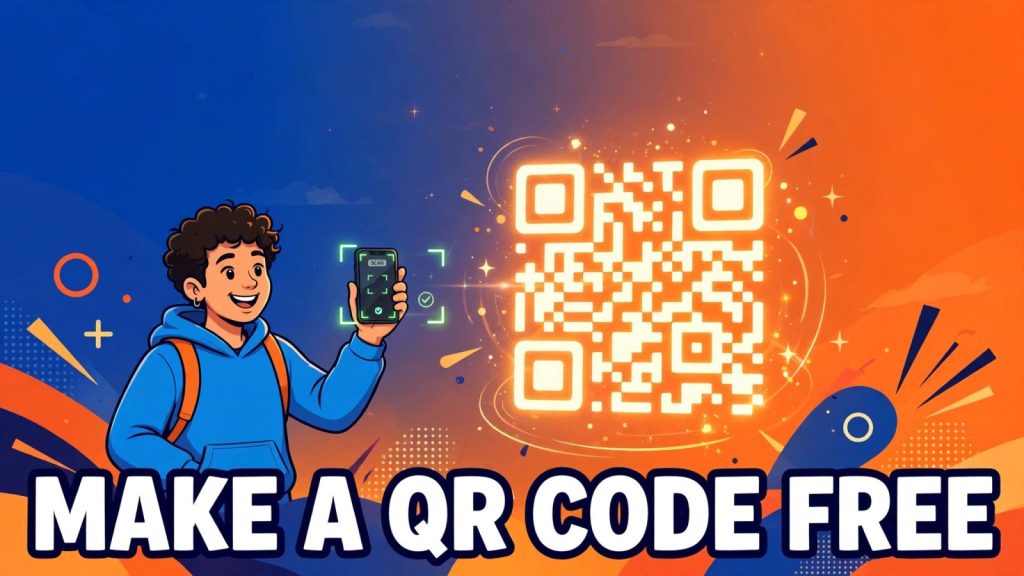
QR codes are on menus, business cards, posters, product boxes and receipts, and the good news is that making one costs nothing. You can create a working QR code in under a minute with our free QR Code Generator, with no account and no payment, and it will scan on any modern phone. This guide shows you exactly how to make a QR code free, explains the one decision that matters before you print anything, and compares the genuinely free generators so you do not get caught by a hidden limit later. All prices and free-plan limits in this article were checked on 14 November 2026.
What a QR code actually is
QR stands for Quick Response. The code was invented in 1994 by Masahiro Hara and a small team at Denso Wave, a Japanese company in the Toyota group, to track car parts moving through factories. The old barcodes could not hold enough data and were too slow, so the team built a square pattern that a scanner could read from any angle at roughly ten times the speed. Denso Wave chose not to enforce its patents, and the format became the open standard ISO/IEC 18004 in June 2000. That decision is the reason anyone can generate a QR code free today: nobody owns the format, so nobody can charge you for using it.
A QR code is simply data drawn as a pattern. When the code holds a web address, your phone camera reads the pattern, recognises it as a link and offers to open it. Nothing is installed and nothing is downloaded in advance. Every iPhone since iOS 11, released in September 2017, and most Android phones since Android 9, released in August 2018, scan QR codes with the built-in Camera app. You point, you tap the banner, you are there. That is why QR codes work so well for small businesses: the customer needs no app, no account and no instructions, and if you want more free tools that work the same way, the best free AI tools for small business follow the same no-signup idea.
Static vs dynamic: the one decision that matters before you print
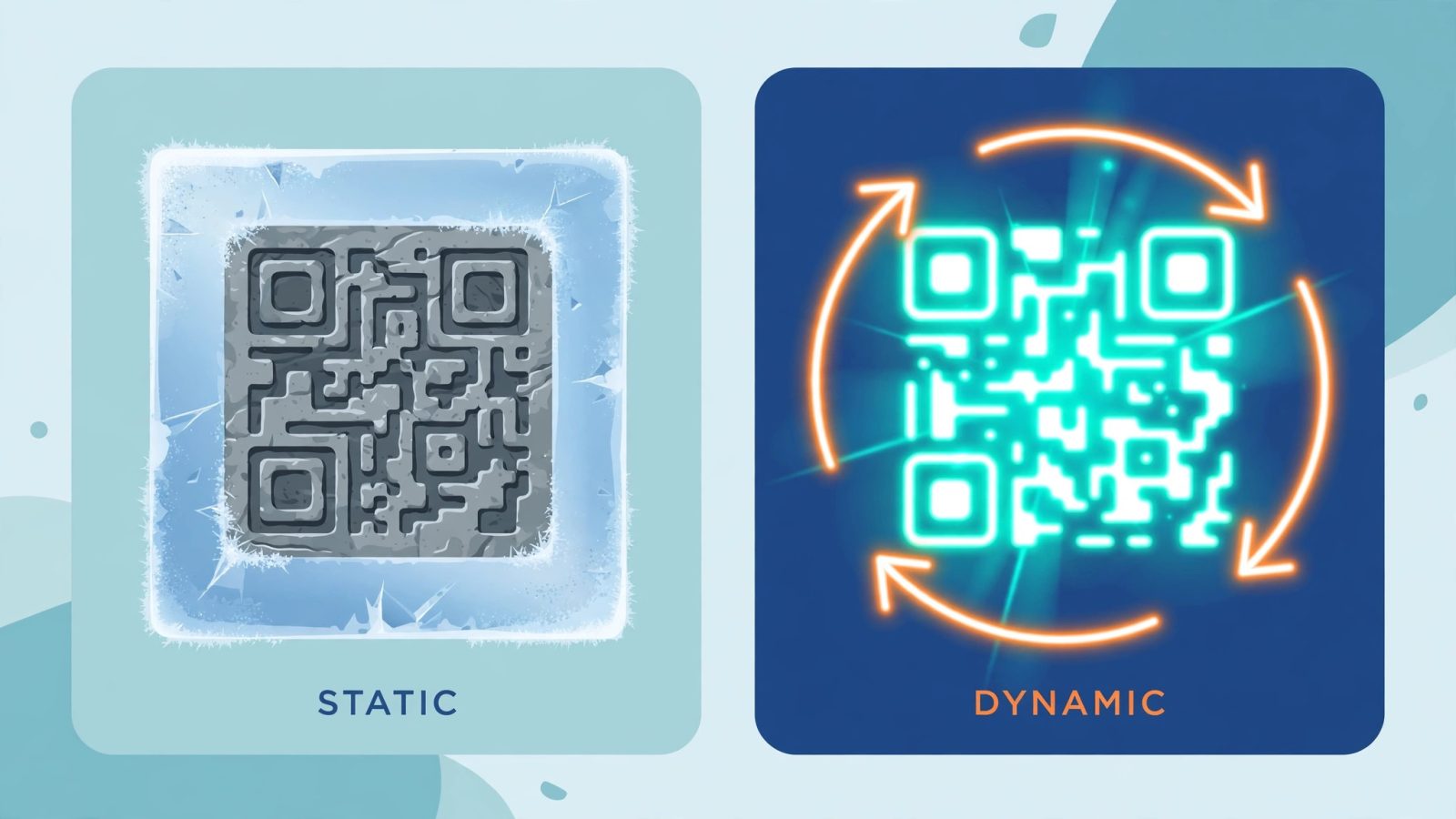
There are two kinds of QR code, and picking the wrong one is the most expensive mistake in this whole guide, because the cost shows up after you have already printed a thousand flyers.
A static QR code stores the destination inside the pattern itself. The web address, the Wi-Fi password or the piece of text is baked into the squares. That makes a static code permanent: it never expires, no company can switch it off, and it keeps working even if the generator website disappears tomorrow. The trade-off is that it is frozen. If the link changes, if you typed the URL wrong, or if the page moves, the only fix is to print a new code. You also get no scan statistics, because nothing sits between the scanner and the destination to count anything.
A dynamic QR code stores a short redirect link instead of the final destination. When someone scans it, the provider’s server forwards them to the page you chose. Because of that middle step, you can change the destination after printing and you can see how many people scanned, when they scanned and on which device. The catch is that the code only works while the provider keeps the redirect alive. If your free trial ends, your plan lapses or you hit a monthly scan cap, the printed code can stop working or start showing a payment page instead of your content. The Uniqode State of QR Codes 2026 report found that 29 percent of consumers have already come across an expired or dead QR link, which is exactly this trap in action.
The rule is simple. Use a static code when the destination will never change: a Wi-Fi password on a hotel card, a homepage you control, a vCard on a business card, or a one-off flyer. Use a dynamic code when the destination might change or you need scan data, such as a campaign landing page, a menu that changes with the season, or a poster you want to measure. And never put a free-trial dynamic code on anything printed in bulk or meant to last for years.
How to make a QR code free in 60 seconds
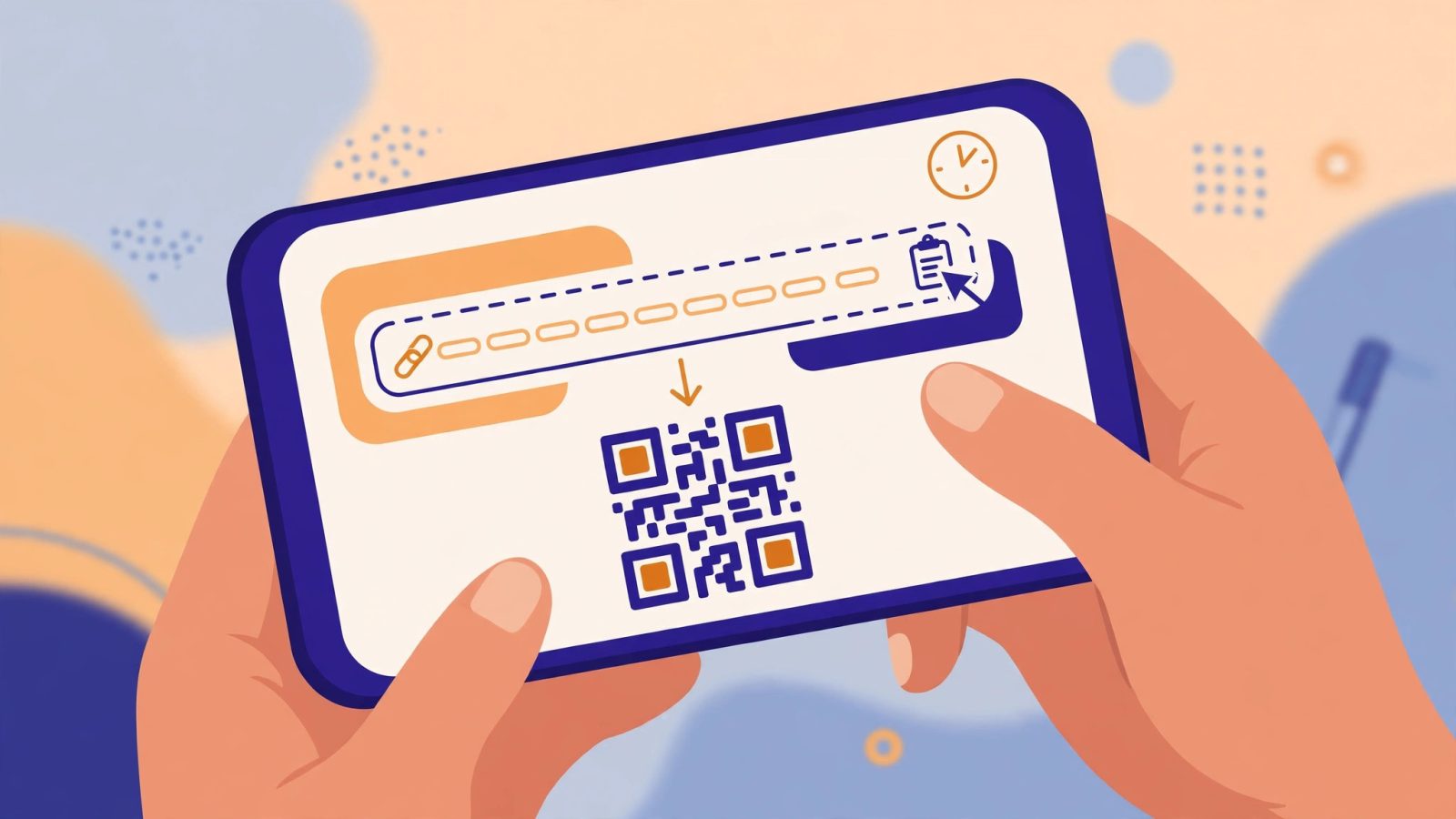
Here is the whole process with a no-signup static generator. It takes about a minute.
First, decide the destination and open the exact page in your browser. Copy the full address, including the https:// part, from the address bar. Do not type the address from memory: one wrong letter means a dead code, and you will not notice until a customer tells you.
Second, open our free QR Code Generator and paste the address into the URL field. The code appears on screen instantly, with no account and no email address asked for.
Third, download the code as a PNG for screen use or as an SVG or PDF for print. SVG and PDF stay sharp at any size, which matters for posters and packaging, while PNG is fine for a website or an email signature.
Fourth, test the code before you use it anywhere. Open your phone camera, point it at the code and tap the link that appears. Check that it opens the right page. Then ask a friend with a different phone to scan it too, because a code that scans on your phone can still fail on another camera in bad light.
Fifth, save the original file somewhere safe and name it clearly, for example qr-menu-november-2026.svg. If you ever need to reprint, you want the original, not a screenshot of a screenshot.
That is the entire job. No signup, no watermark on a good generator, no expiry date on a static code.
What to put in a QR code, and what never to put in one
A QR code can hold far more than a web link. The useful options are a website URL, a Wi-Fi network name and password, a contact card (vCard) with your name, phone and email, a plain text message, a WhatsApp chat link, a payment link, an event or calendar entry, and an app store link. Restaurants use them for menus, shops for product pages, and event organisers for ticket links. A Google review QR code on a shop counter is one of the highest-value uses for a small business: the customer scans, lands straight on the review form, and leaves a review in seconds instead of searching for your business later.
What you put in the code matters as much as the code itself. Link to the exact page, not your homepage. A menu code should open the menu, not a homepage where the visitor has to hunt for it. A discount code should open the offer, not the shop front page. Every extra tap loses people.
There are also things that never belong in a QR code. Do not encode a link you do not control on a permanent print run, because you cannot fix it if the owner changes it. Do not put your personal phone number or home address on a poster in a public place unless you genuinely want strangers to have it. Do not use a URL shortener you do not recognise, because the scanner sees the short link, not the real destination, and that is exactly how scam codes hide. And never print a code that points to a page behind a login screen: the customer scans, hits a password wall and never comes back.
Free QR code generators compared
Not every tool that says free actually is. Some give you a static code free and charge for anything else. Others give you a dynamic code free for 14 days and then kill it. The table below is based on the vendors’ own pricing and help pages, checked on 14 November 2026. Free limits change, so confirm them before a large print run.
QRCode Monkey is the best pure static generator. Paste a URL, pick colours, optionally add a logo in the centre, and download a high-resolution PNG, SVG, PDF or EPS with no account and no watermark. The limit is that every code is static, so the link cannot be changed after you download it. For one-off codes, that is not a limit at all.
The QR Code Generator offers two free dynamic codes that stay live while your account remains active, with no free scan cap stated on its official pages. Free downloads carry a small mark, free dynamic scans show an ad before the destination loads, and scan history covers only 14 days. Its Flex plan costs 5 dollars a month billed yearly and adds five ad-free dynamic codes with 60 days of history.
QR TIGER gives three free dynamic codes, each capped at 500 scans, plus unlimited static codes and basic reporting. Its Regular plan costs 7 dollars a month and includes 12 codes with unlimited scans while the plan stays active.
QRCodeChimp offers ten free dynamic codes with a 1,000-scan monthly cap, plus static codes, and more than 60 shapes for styling. It needs an account for the dynamic codes, which is normal: a redirect has to live on a server somewhere.
Bitly’s free plan includes two QR codes a month with unlimited scans, so a code that gets popular never stops working because of volume. Canva and Adobe Express also make free static codes, but both need an account, and Canva keeps SVG export behind its Pro plan.
If you only need one code for a business card or a flyer, our free QR Code Generator does it in a minute, with no account and no watermark. If you need to change the destination later or count scans, pick one of the free dynamic plans above, write down its scan cap and expiry rule, and set a calendar reminder to check the code still works every few months.
Print and placement: how to make sure your code actually scans
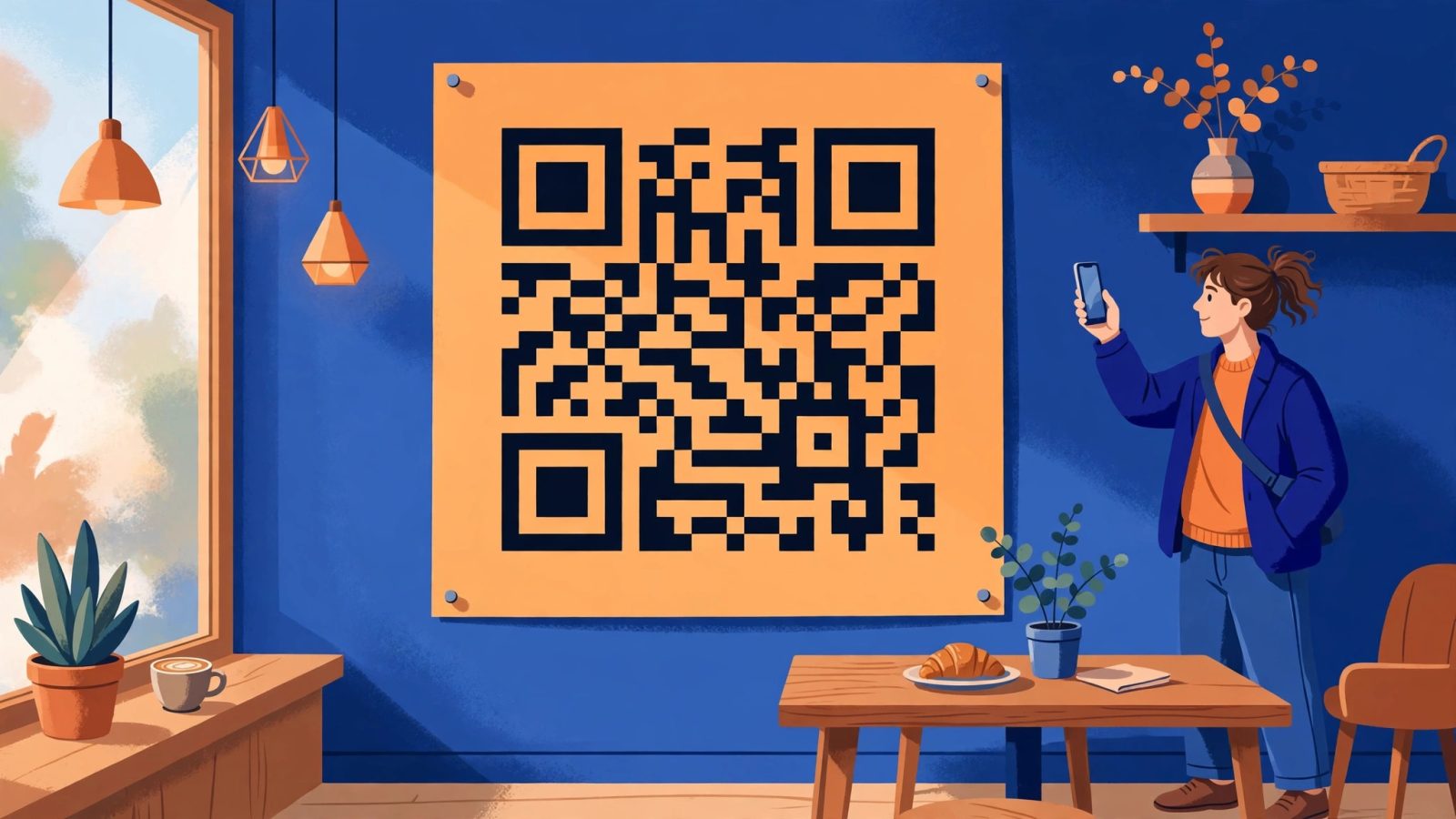
A perfect code that nobody can scan is worthless, and most scanning failures come from printing, not from the generator. Follow these rules and your code will scan in a dim restaurant and in bright sunlight.
Size matters more than design. As a rule of thumb, the scanning distance is about ten times the size of the code, so a 2 cm code scans from about 20 cm away and a 10 cm code scans from about a metre. A code on a business card can be small because people hold the card close. A code on a poster across a room must be large, and a code on a billboard must be enormous. When in doubt, print it bigger.
Keep the quiet zone empty. The blank white border around the code is not decoration: scanners use it to find where the code starts. Never let text, a logo or a design element touch the edge of the pattern, and never crop the border off to save space.
Use strong contrast, dark on light. Black on white is the most reliable combination. Dark blue or dark green on white usually works, but light colours on a dark background often fail, especially on a cheap printer or a phone camera in low light. Avoid glossy paper and curved surfaces where you can: glare and bending both break the pattern. If the code must go on glass or a bottle, test it on the real object, not on a flat printout.
Always export a vector file (SVG or PDF) for anything printed. A PNG stretched to poster size turns blurry, and a blurry code is a dead code. For images on a web page, keep the file small so the page stays fast, and our guide on how to compress images without losing quality shows how to shrink image files without visible damage.
Common mistakes that kill QR codes
The first mistake is linking to the wrong page, or to a page that later moves. Test the link, then test the printed code, then test it again after a month if it is a dynamic code on a free plan. The second mistake is printing too small, which is the single most common reason a code fails in the real world. The third is low contrast or a missing quiet zone, usually caused by a designer squeezing the code into a busy layout.
The fourth mistake is using a dynamic code from a free trial on a permanent print run, and the fifth is not testing at all. Print one copy, scan it with two different phones, in the light where it will actually be used, and only then send the job to the printer. A two-minute test saves a thousand useless flyers.
The sixth mistake is forgetting that a QR code is a doorway, not a destination. If the page behind it is slow, confusing or broken on mobile, the scan was wasted. A code that opens a clean, fast page earns a second scan. A code that opens a mess earns a shrug, and the customer will not scan your next one.
Frequently asked questions
Do free QR codes expire? A static QR code never expires, because the data is inside the pattern and no server is involved. A dynamic QR code can stop working if the provider ends the free plan, the trial runs out or you pass the scan cap, so check the terms before you print.
Can I make a QR code without an app? Yes. Every modern phone scans codes with its built-in camera, and free generators such as QRCode Monkey work in any browser with no signup and no download.
Can I put my logo in the middle of a QR code? Yes, most free generators allow it. Keep the logo small, keep the error correction level high, and always test the finished code on two phones before printing.
Is it safe to scan a random QR code? Usually, but check the link preview your phone shows before you tap it. If the address looks strange, shortened beyond recognition or unrelated to where you found the code, do not open it.
How much does a QR code cost? A static code costs nothing and never expires. Dynamic codes with editing and scan statistics are free within small limits on several tools, and paid plans start at around 5 to 7 dollars a month.
Making a QR code free is genuinely a one-minute job, but the decisions around it are what make it work: pick static for anything permanent, pick dynamic only when you need to edit or measure, link to the exact page, print it big enough, and test it on real phones before it goes out into the world. Do that, and a little square of black and white becomes one of the cheapest marketing tools a small business can own. If you want to turn the same idea into a full workflow, the same no-signup approach works for documents too, as our guide on how to convert PDF to JPG free shows, and you can check your numbers with the free BMI calculator while you are here.